
Tags tab
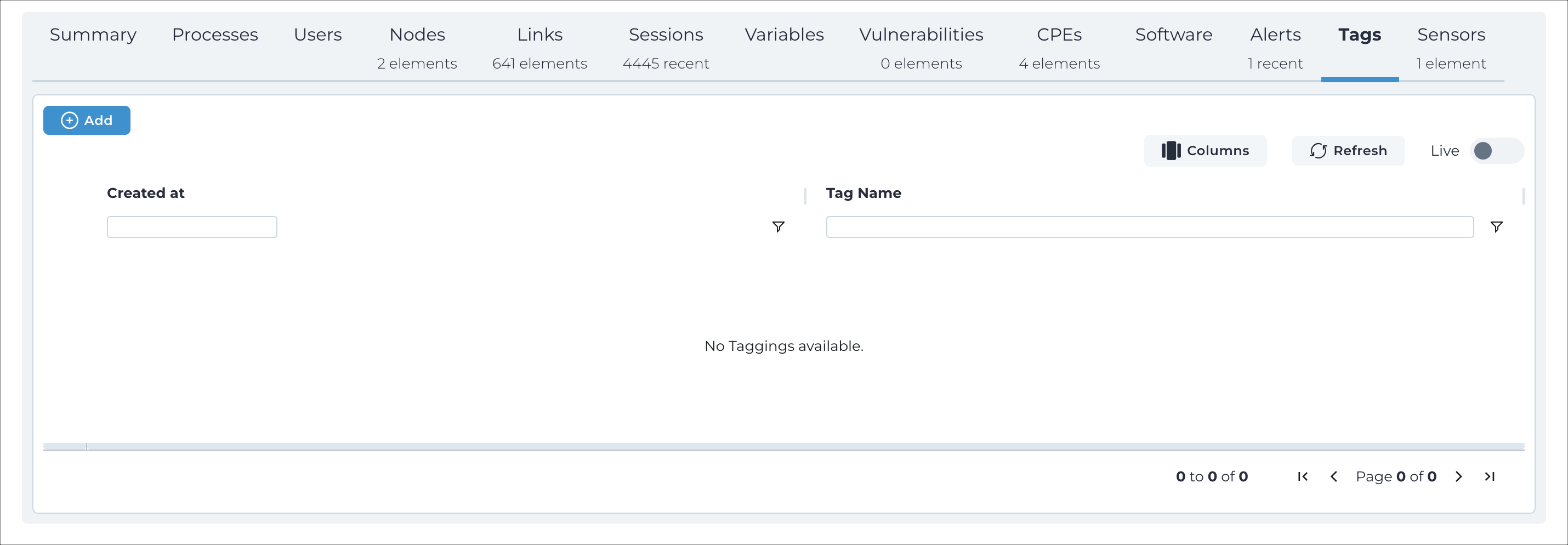
The Tags tab shows all the tags for this asset. Tags are user-defined labels that have been assigned to this asset. Tags are associated with user roles to define access control.
Add new
This button lets you add a new tag to the related asset.
Columns
The Columns button lets you select which of the available columns for the current page will show.
Refresh
The Refresh
 icon lets you immediately refresh the current view.
Live
The Live
 toggle lets you change live view on, or off. When live
mode is on, the page will refresh periodically.
toggle lets you change live view on, or off. When live
mode is on, the page will refresh periodically.