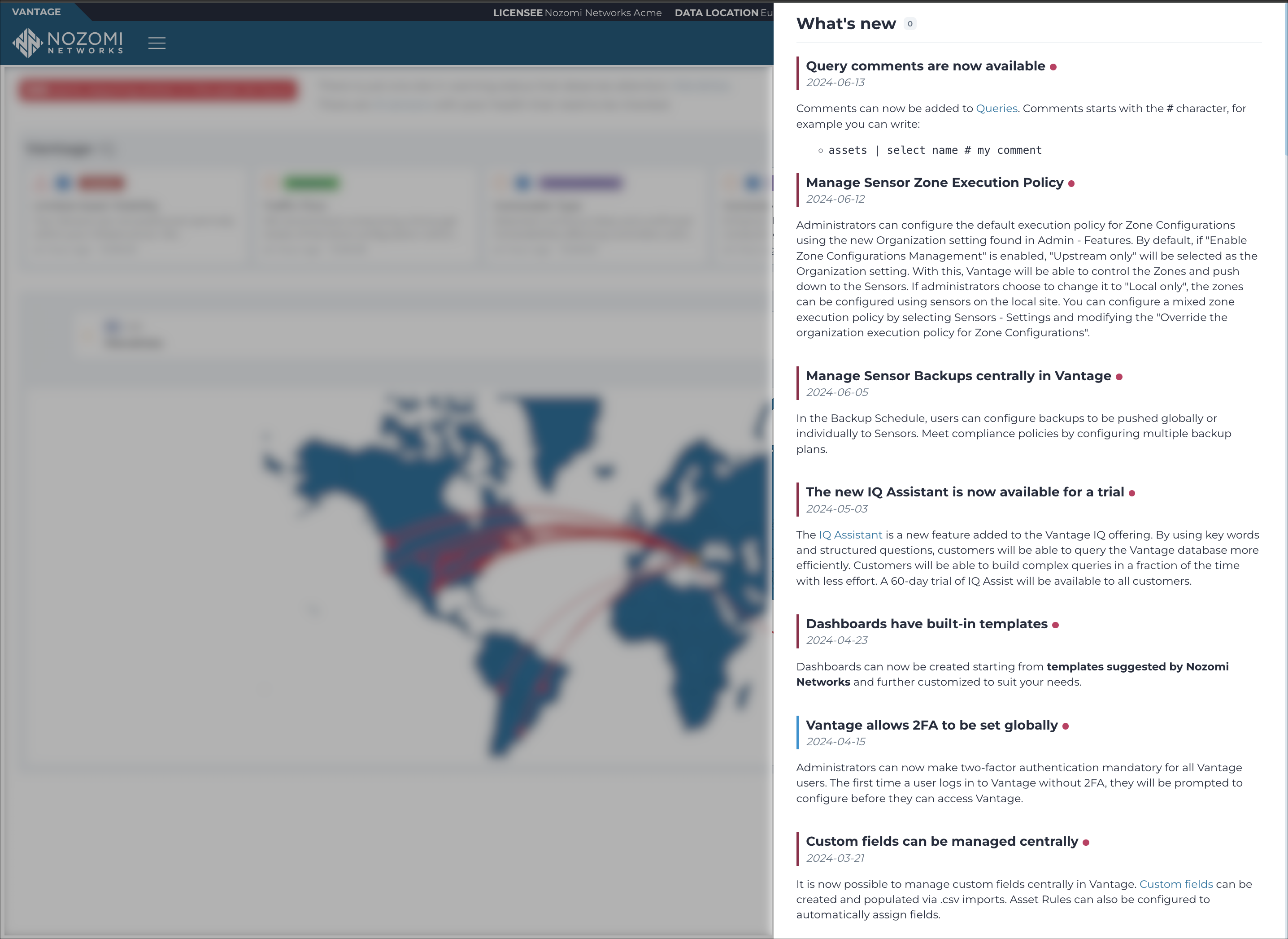
What's new drawer
The What's new drawer shows a list of new features, enhancements, and fixes for issues.
Select in the footer to open the
What's new drawer. When you open the drawer, the unread
indicator on the footer icon disappears.


Drawer elements
- Count badge
- The number next to the What's new heading shows the number of unread news items. The count stays visible while the drawer is open and resets to zero when you close it.
- Search
- Use the Search for news field to filter entries by keyword.
- Unread indicator
- A red dot on the footer icon indicates that there are unread news items. The dot clears as soon as you open the drawer, before you close it.
Entry structure
Each entry includes:
- A title and the date the entry was published.
- A Change section describing what was added or updated.