
Detailed list
The Detailed list page shows all the alerts notifications that your sensors pass to Vantage related to security incidents in your network. This page lets you learn about the alerts, edit their values and post comments.
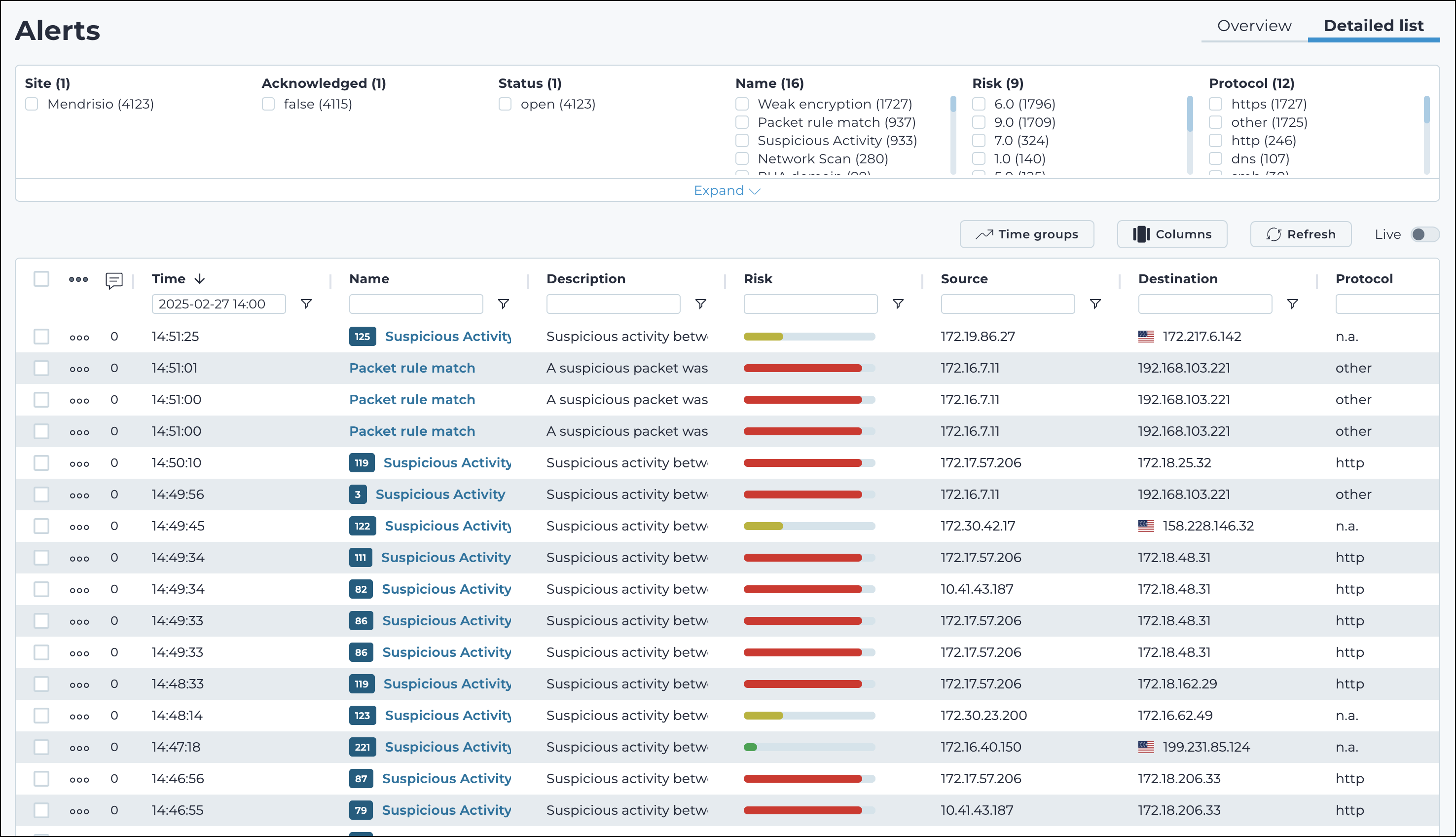
Site
This shows a list of all the sites in the current table view.
Acknowledged
This shows a list of all the appliance types in the current table view.
Status
This shows a list of the different statuses that are applicable for the alerts in the current table view.
Name
This shows a list of the different names that are applicable for the alerts in the current table view.
Risk
This shows a list of the different risk levels that are applicable for the alerts in the current table view.
Protocol
This shows a list of the different protocols that are applicable for the alerts in the current table view.
Time groups
The Time groups button displays a throughput view of the data over a given time period.
Columns
The Columns button lets you select which of the available columns for the current page will show.