
Firewall integration
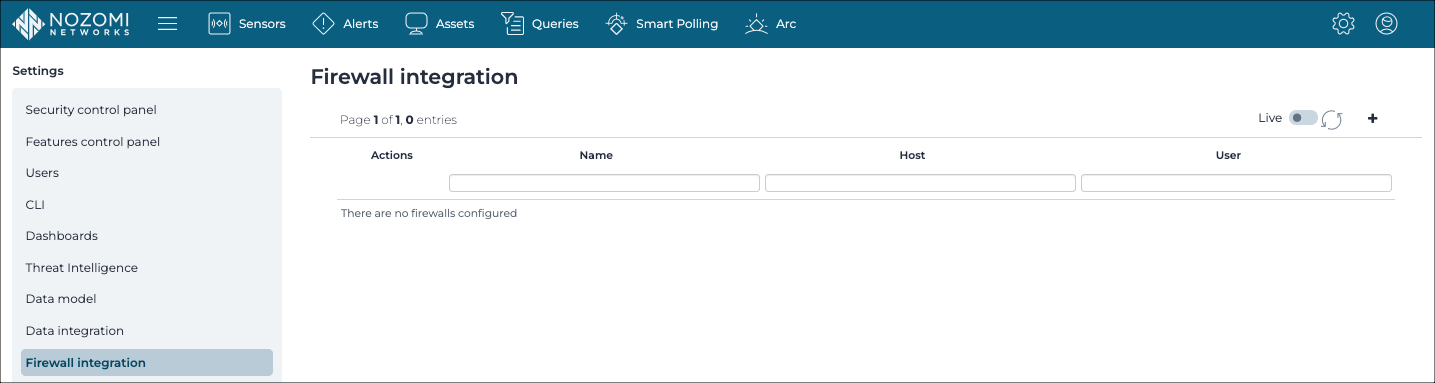
The Firewall integrations page shows all the firewall integrations and lets you add new ones.
General
Guardian lets you configure firewall integrations. Guardian discovers, identifies, and learns the behavior of assets on your network. Through integration with the firewall, unlearned nodes and links are automatically blocked through block policies. Block policies are not created for nodes and links in the learned state.
After the integration has been set up, policies are produced and inserted in the firewall. The policies are displayed in the Policies section.
Firewall rules strategies
For supported integrations, you can choose how Guardian decides when to create firewall rules. Two strategies are available:
- Block active alerts: Guardian creates link-blocking policies when specific alerts are triggered. Rules are generated based on real-time detection events, not on node learning state. For more details, see Alert-based firewall rule creation.
- Block unlearned: Guardian creates block policies for nodes and links that have not yet been learned. This is the default behavior.
Features
- Detection approach is set to Strict
- Phase switching is set to Protecting
If the global learning policy is set to Adaptive Learning and Learning, and a zone is set to Adaptive Learning and Protecting, we see new nodes, but they are not learned, however links to new nodes are learned automatically.
Live / refresh
The Live

 icon lets you change live view on, or off. When live
mode is on, the page will refresh approximately every five seconds.
icon lets you change live view on, or off. When live
mode is on, the page will refresh approximately every five seconds.
Add
The + icon lets you add a new firewall integration.