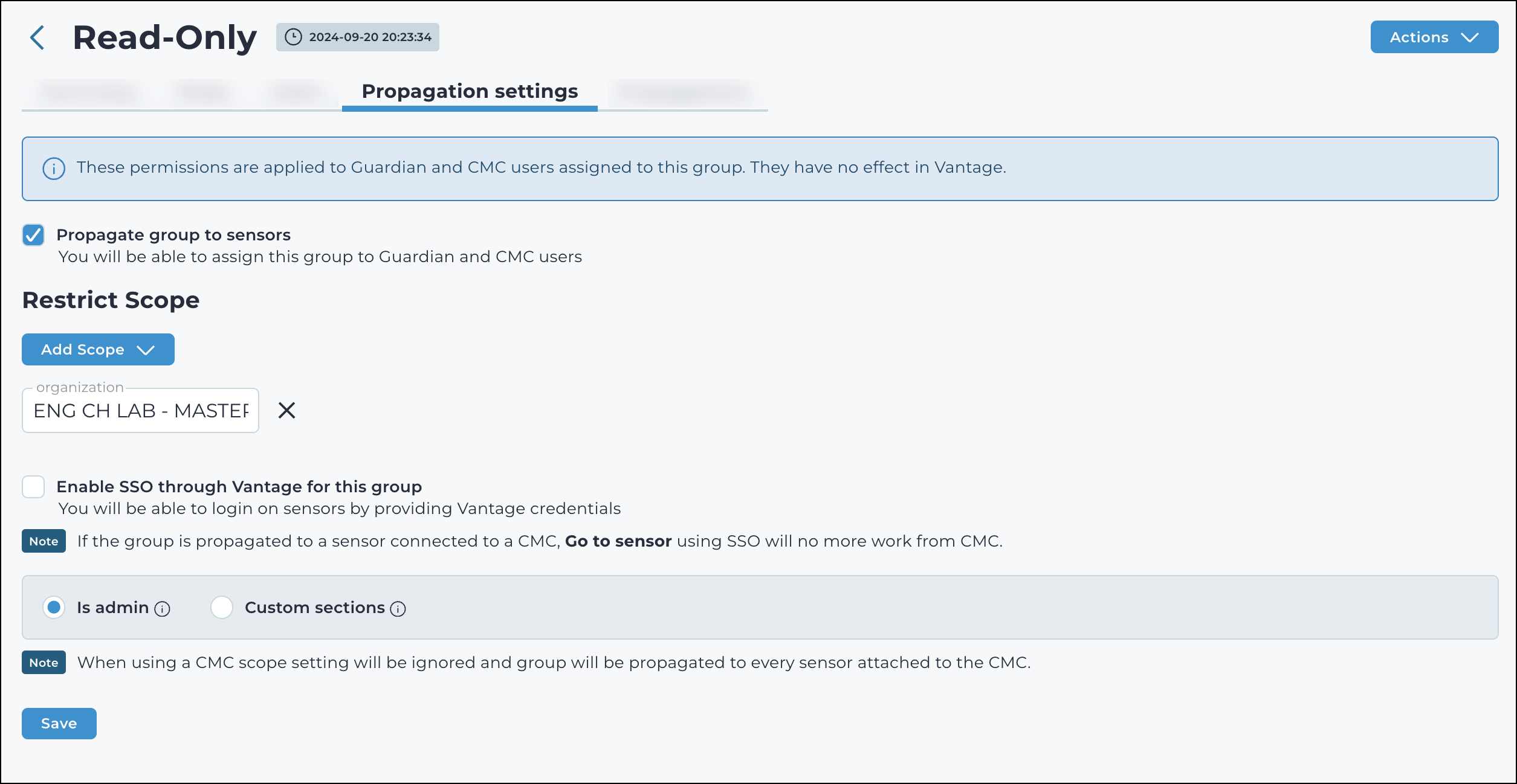
The Propagation settings page allows you to propagate a group to
sensors, configure remote group permissions, and define scope restrictions. You can also
enable single sign-on (SSO) through Vantage, allowing users to authenticate using their
Vantage credentials. If SSO is disabled, the group functions as a local group on the
sensors.
Figure 1. Propagation settings - Is admin
Enable SSO through Vantage for this group
This checkbox lets you enable single sign-on (SSO) and activates the
configuration options in the sections below.
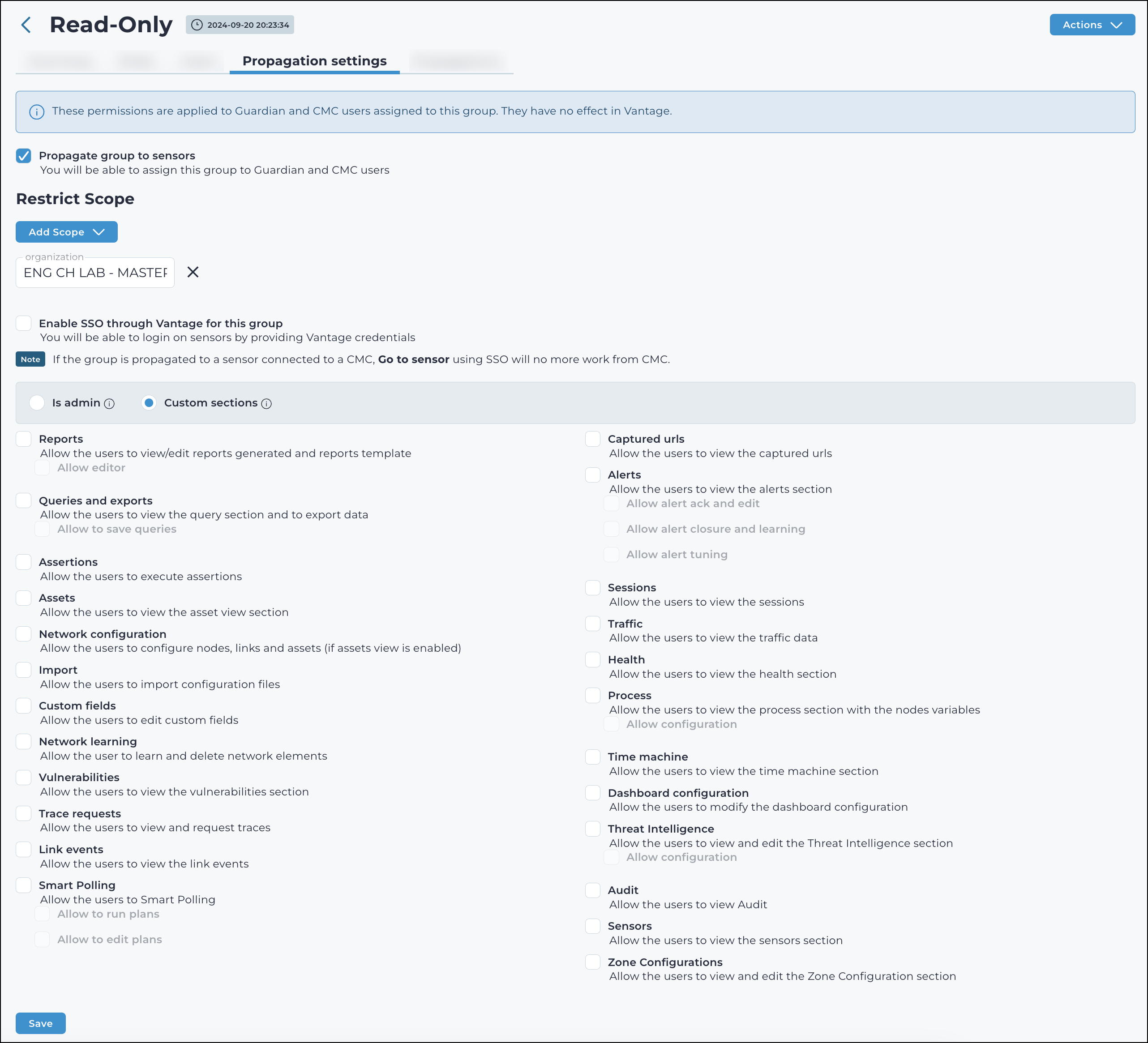
Remote group permissions
Is admin
This gives full administrator privileges to the users that are logged into the
related sensors.
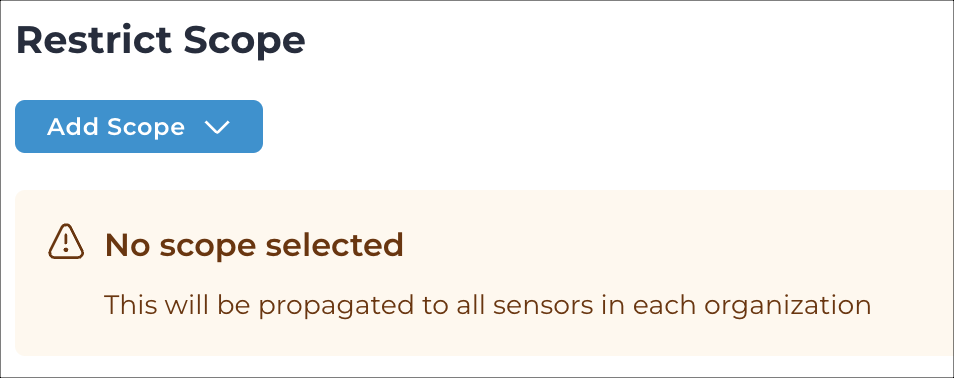
Note:
When using a Central Management Console (CMC), the scope setting will be ignored, and the group
settings will be propagated to every sensor that is
attached to the CMC.