
CLI
The CLI page lets you change configuration parameters and perform troubleshooting activities.
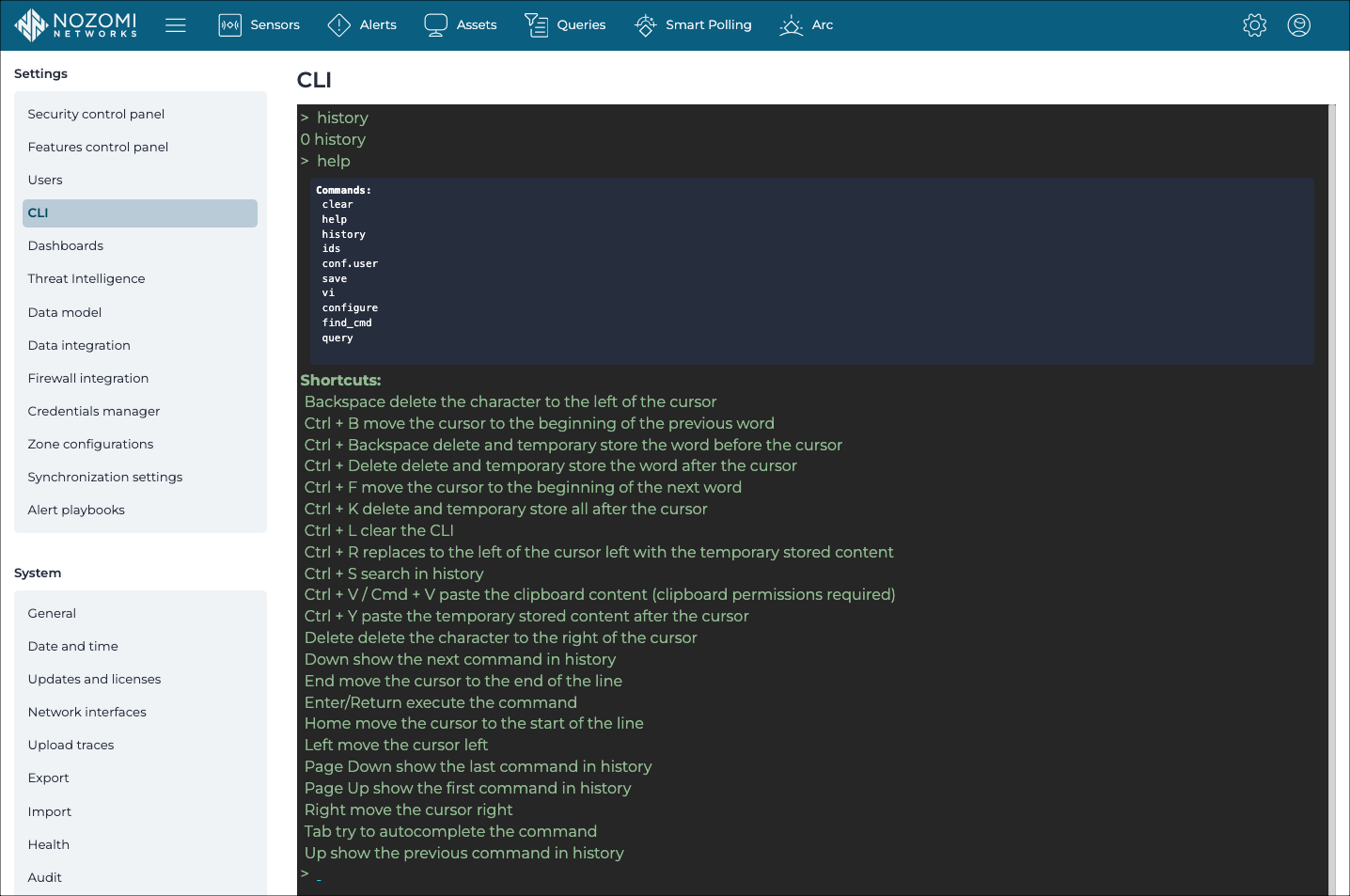
If you enter an unknown command, an error will show.
When you select the  copy icon, next to the command or command-output, the
formatted text will be copied to the clipboard.
copy icon, next to the command or command-output, the
formatted text will be copied to the clipboard.
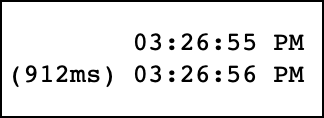
When the output takes more than 300 ms to show, a duration will appear next to the timestamp.
| Shortcut | Action |
|---|---|
| Up arrow | Shows the previous search from the history |
| Down arrow | Shows the subsequent search from the history |