
Download an Arc package from Vantage
Before you can deploy Arc manually, or through a mobile device management (MDM) system, you must download the correct package for your operating system (OS). You can do that from Vantage.
Procedure
- In the navigation bar, go to Sensors.
-
In the top-right corner of the Web UI, click Add
new.
The Make connections page opens.
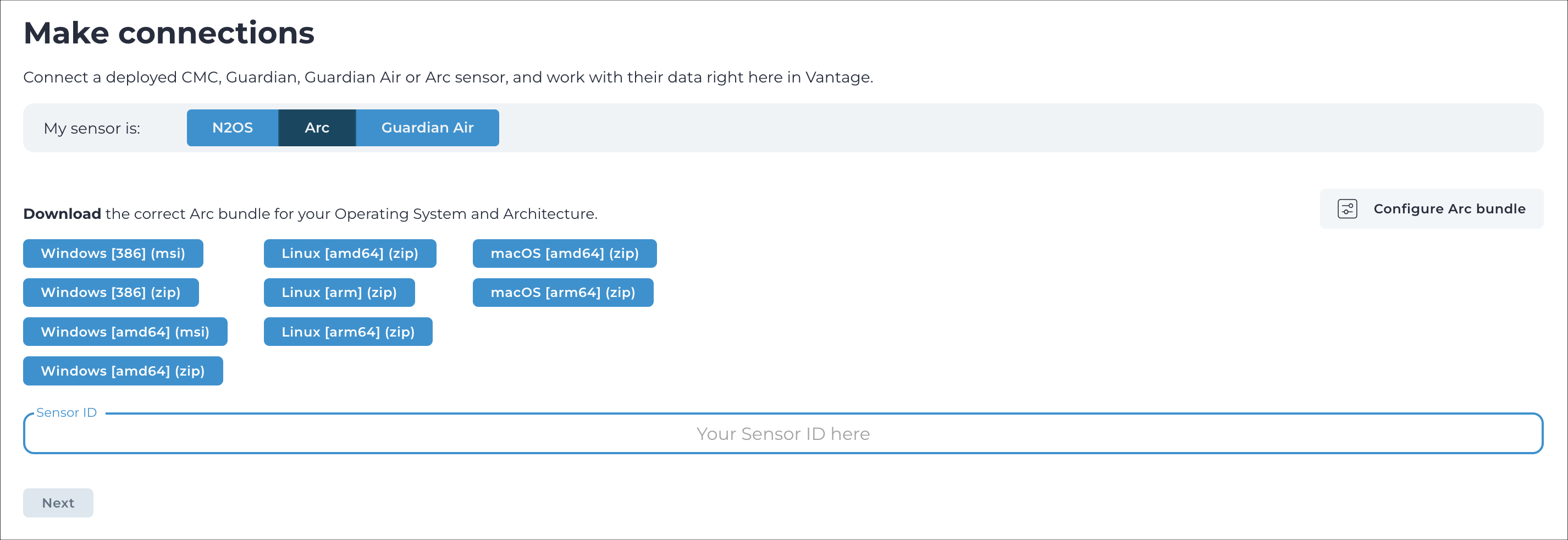
- In the My sensor is: section, click Arc.
-
Download the Arm 32 bits Linux package.
The package downloads to your computer.