
Enable progressive mode in Guardian
You can enable Progressive mode in Guardian to increase visibility.
Procedure
-
In the top navigation bar, select Smart Polling.
The Smart Polling page opens.
-
In the top right, select Settings.
The Settings page opens.
-
In the Smart Polling Progressive Mode Settings section,
select Enable progressive mode.
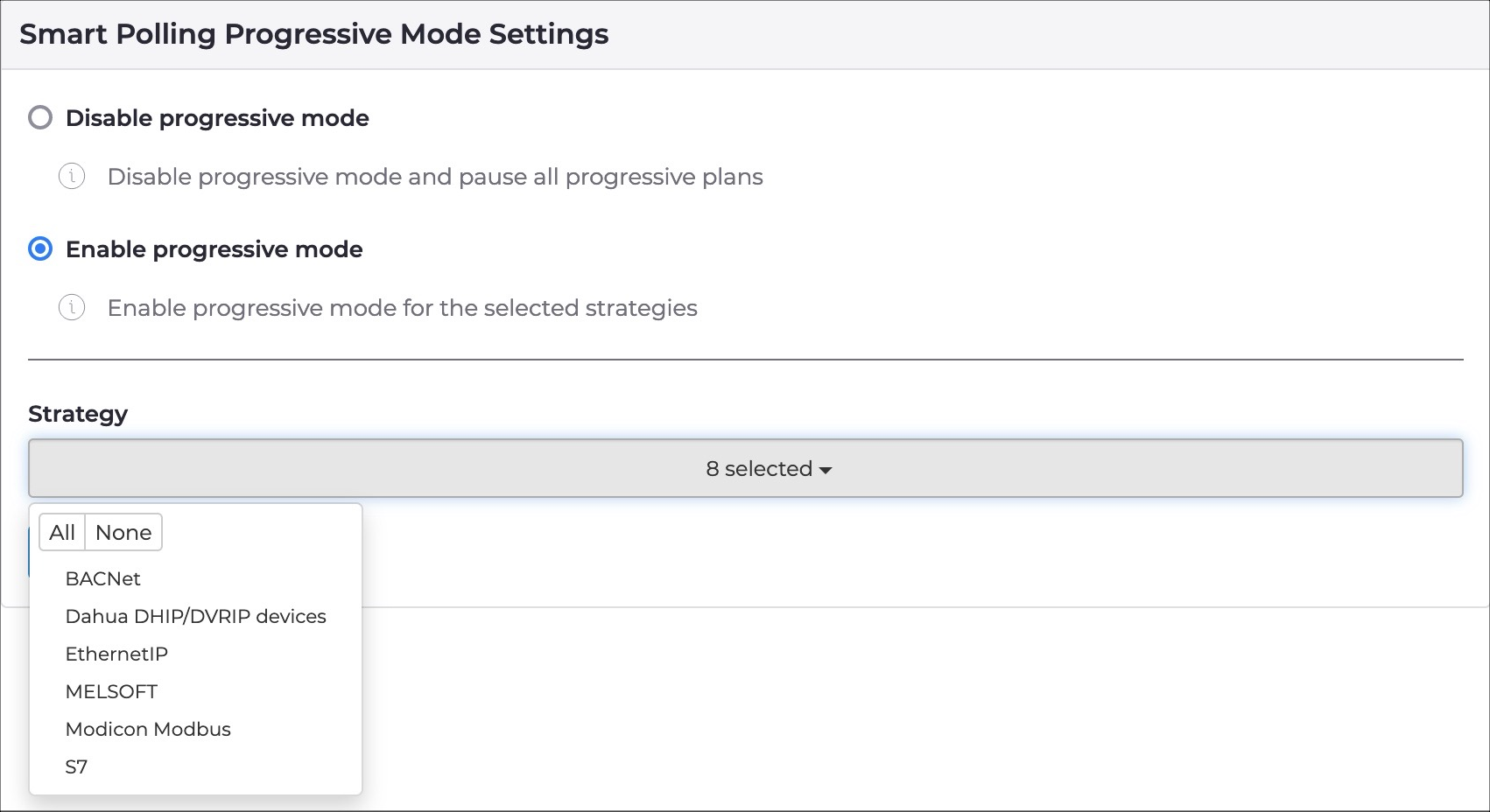
Note:If you select Disable progressive mode the progressive mode Smart Polling plans that have been newly created, will stop executing. Also, they will be, grayed-out in the Plans tab.