
Zones filter
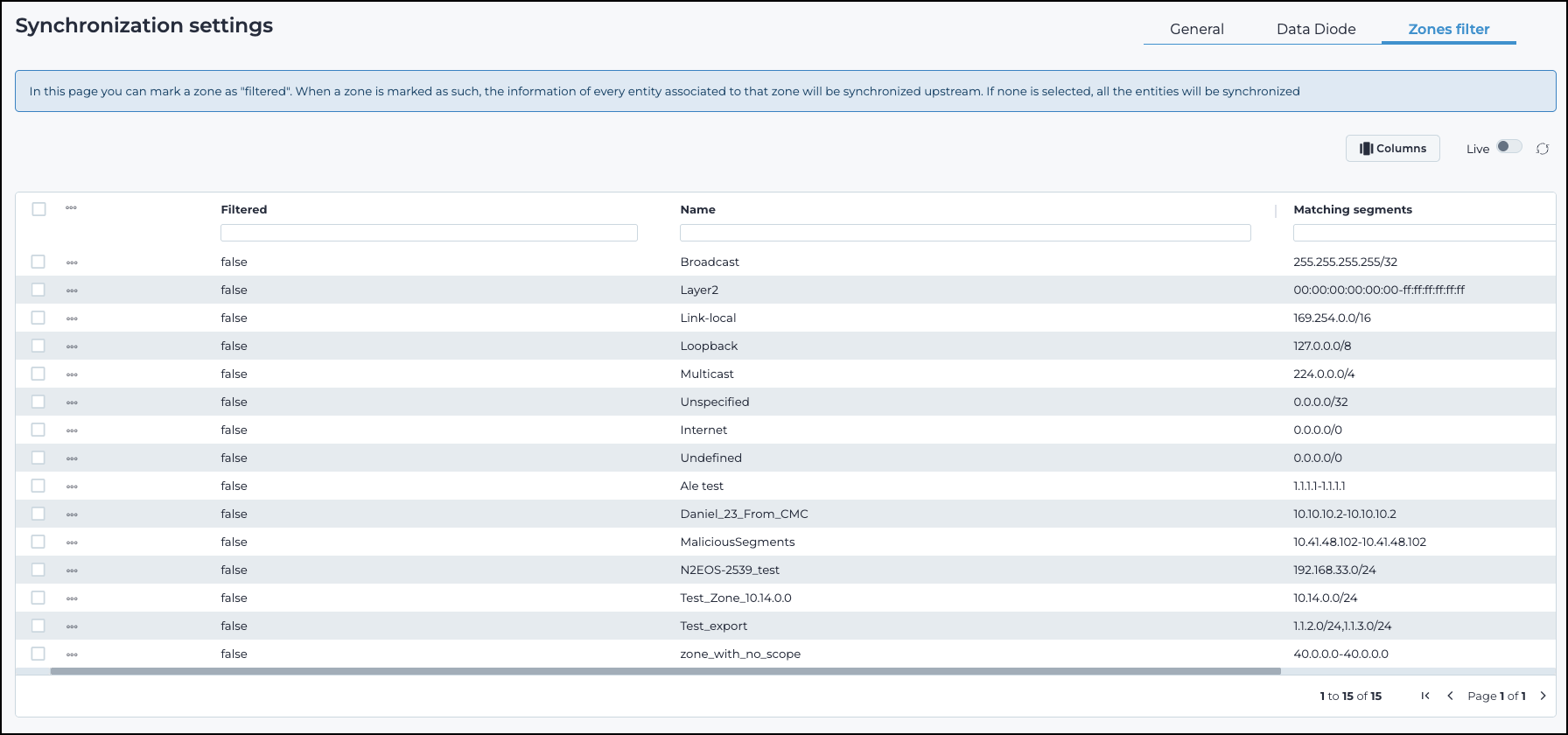
Filter and manage zones to control which zones are marked as Filtered for upstream data transfer.
Columns
The Columns button lets you select which of the available columns for the current page will show.
Live
The Live
 toggle lets you change live view on, or off. When live
mode is on, the page will refresh periodically.
toggle lets you change live view on, or off. When live
mode is on, the page will refresh periodically.
Refresh
The refresh  icon lets you immediately refresh the graph.