Restore a SAML configuration backup
Learn how to restore a backup of your SAML configuration to revert to a previous setup.
About this task
When you propagate a group to a set of sensors, the system automatically attempts to save a backup of the current SAML sensor configuration. The backup will have these settings:
Nozomi URLRole attributeMetadata XML
As long as each of the above values are not empty, the backup will be successful.
Procedure
-
In the top navigation bar, select
 The administration page opens.
 -
In the System section, select SSO.
The SAML Single Sign On page opens.
-
In the top right section, select Identity
Provider.
The Identity Provider page opens.
-
In the SAML Configuration Backups section, select
SAML Configuration Backups.
The SAML Configuration Backups page opens.
-
Choose a method to select one, or more, items.
- Select the top checkbox to select all the items in the current table view
- Select multiple checkboxes for the items that you want to choose
- Select the checkbox for the item that you want to choose
-
Select Restore.
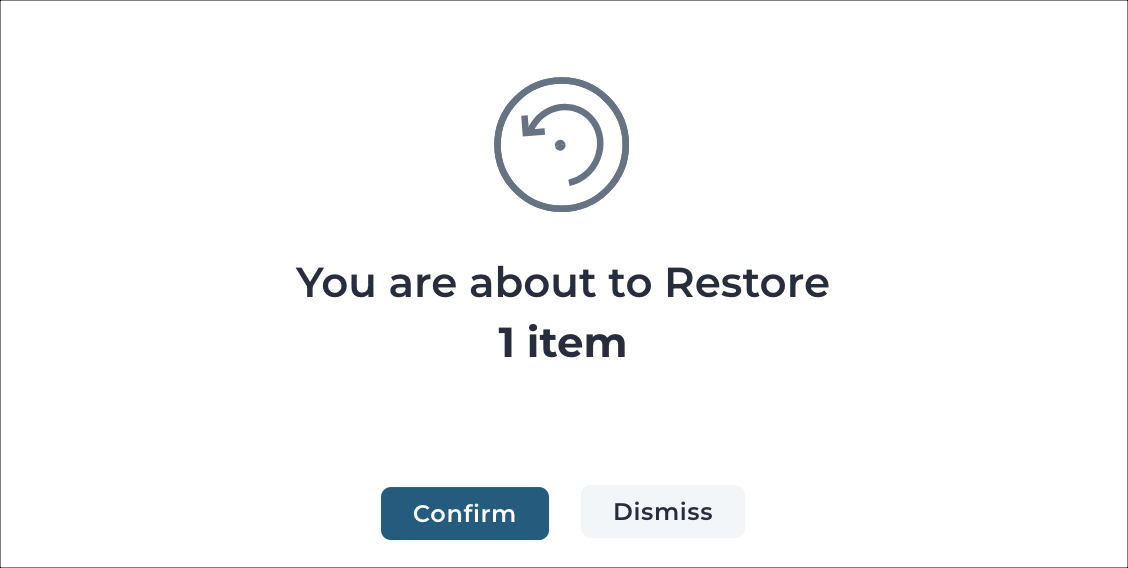
Note:When you try to restore more than one backup for a sensor, only the latest one will be restored.A dialog shows.
-
To restore the backup, select Confirm.