Respond to the Get more from Vantage prompt
To help Vantage better understand their environment, root administrators see a guided setup dialog after logging in. This process collects preferences and offers the option to enable Discovery and Smart Polling. It improves asset visibility and supports tailored configuration recommendations.
About this task
After login, root administrators are prompted with a short setup dialog that helps identify the software in use and enables Discovery and Smart Polling features. Completing the prompt allows Vantage to automate data collection plans to enhance visibility and insights.
Procedure
-
Log in to Vantage as a root administrator.
A Get more from Vantage dialog shows.
Figure 1. Get more from Vantage dialog 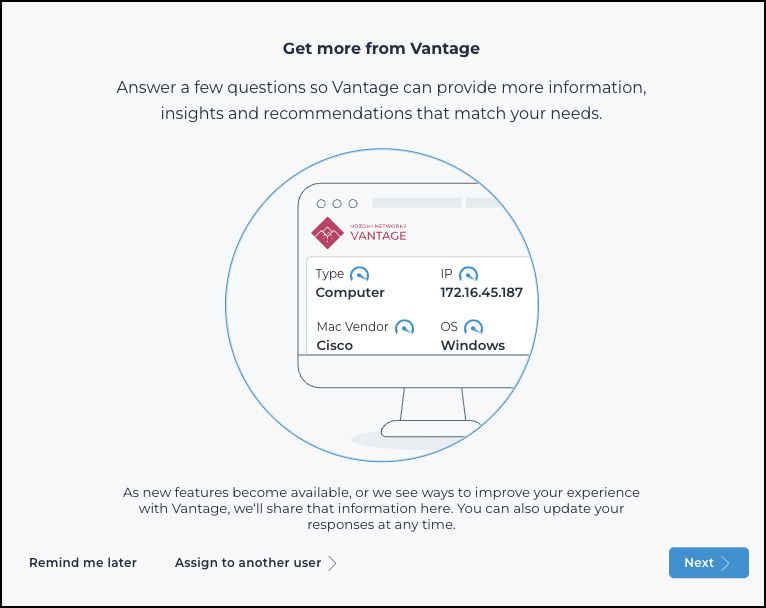
-
Select one of these options:
- Remind me later: The prompt will appear again the next time that you log in
- Assign to another user: Transfer the task to a different user
- Next: Complete the setup now
-
Select Next.
The Asset Inventory page opens.
Figure 2. Asset Inventory page 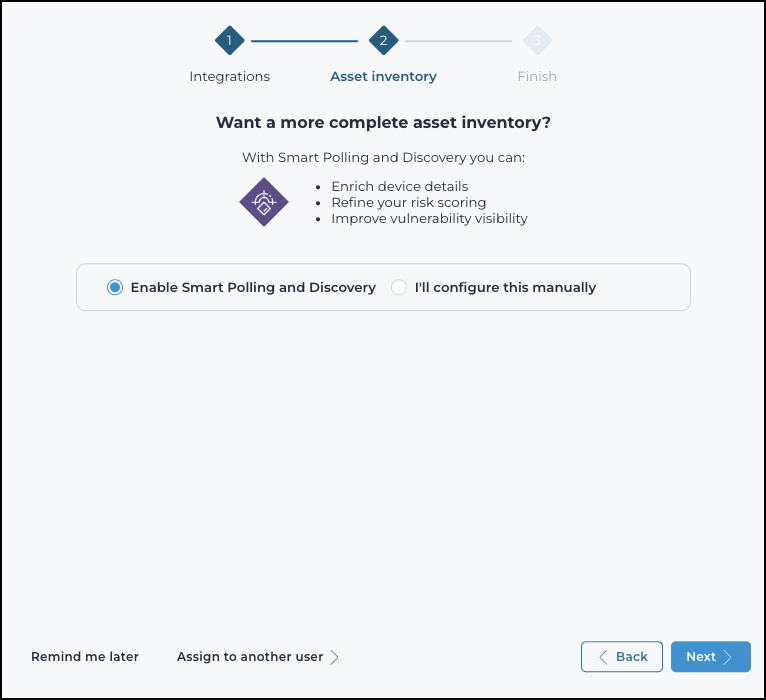
-
On the Asset Inventory page:
- Enable Smart Polling and Discovery – Starts Discovery immediately and schedules Smart Polling plans automatically
- No, I'll configure this manually – Skips automated configuration for now
-
Select Next.
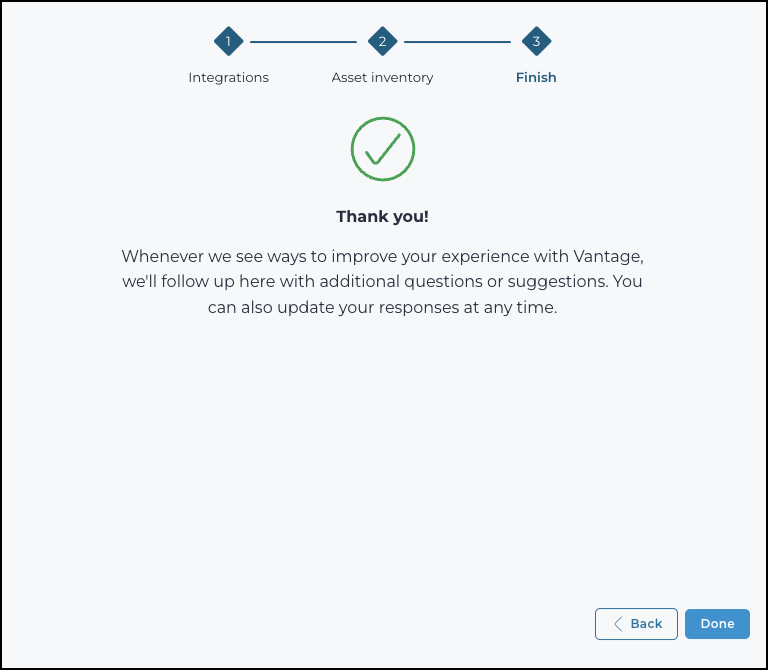
The Finish page shows.
Figure 3. Finish page