Delete a Smart Polling plan
Delete an existing Smart Polling plan to remove obsolete or unneeded monitoring configurations. This action is permanent and cannot be undone.
About this task
Procedure
-
In the top navigation bar, select
 > Smart Polling.
The Smart Polling page opens.
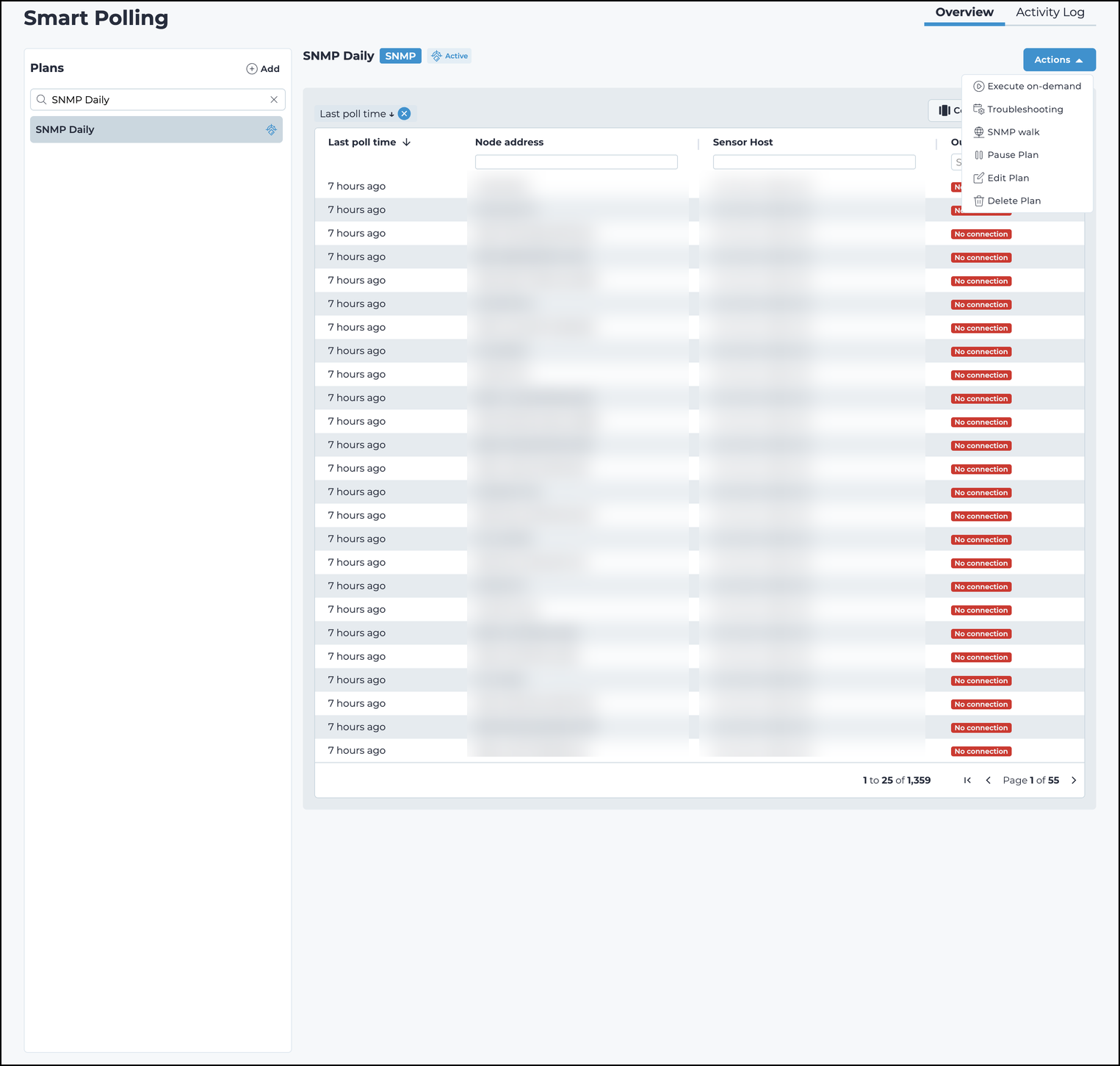
- From the list of Smart Polling plans on the left, select the applicable plan.
-
In the top right corner, select Actions.
-
Select Delete Plan.
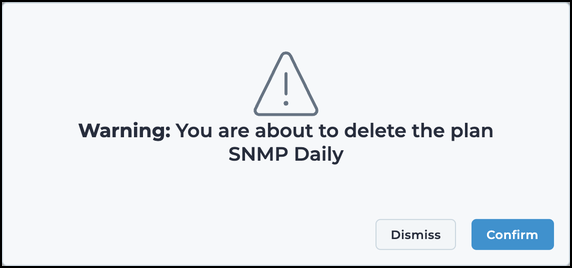
A dialog shows
-
Select Confirm.